

Facebook recently rolled out a fresh new interface for all accounts. While it includes dark mode and fixes the annoying “back tap” scrolling issue, the new design isn’t winning over users. Many think the desktop version just looks like a blown-up mobile layout and still has plenty of bugs, which explains the mixed reactions.
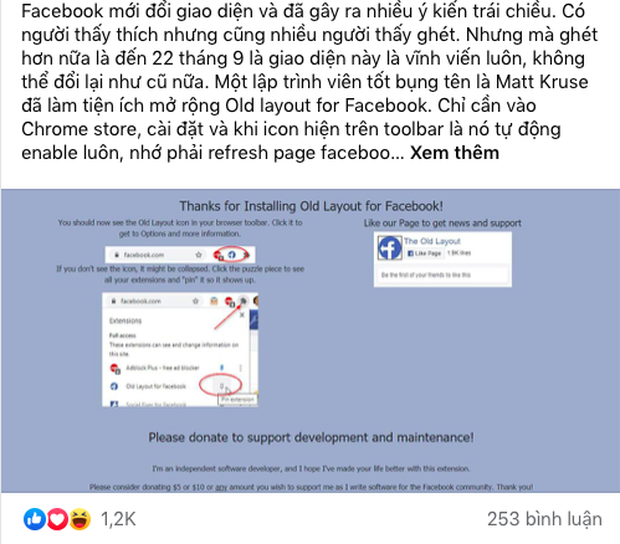
At the same time, Facebook users are sharing ways to install browser extensions that bring back the classic Facebook look. One popular extension called Old Layout is doing a great job, and you can download it from the Google Web Store.
If you’re worried about whether this extension might cause harm, it doesn’t mess with HTML or CSS. It simply tricks Facebook into thinking you’re using an older browser that doesn’t support the new interface.
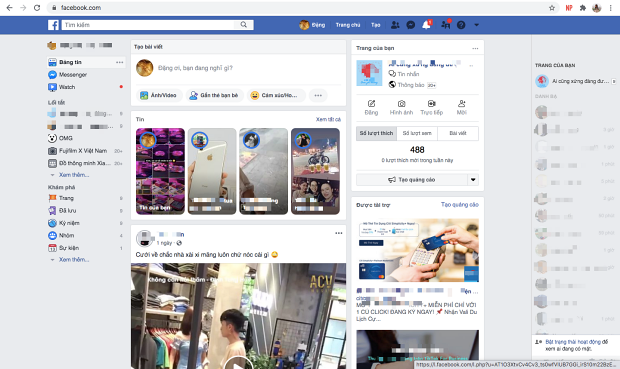
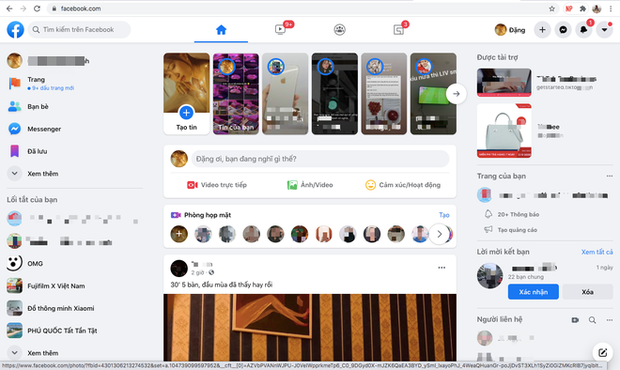
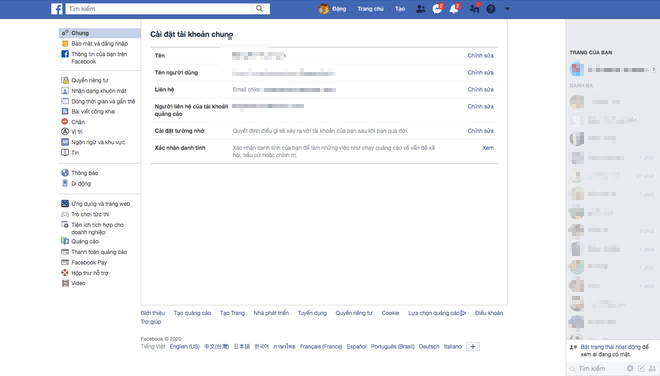
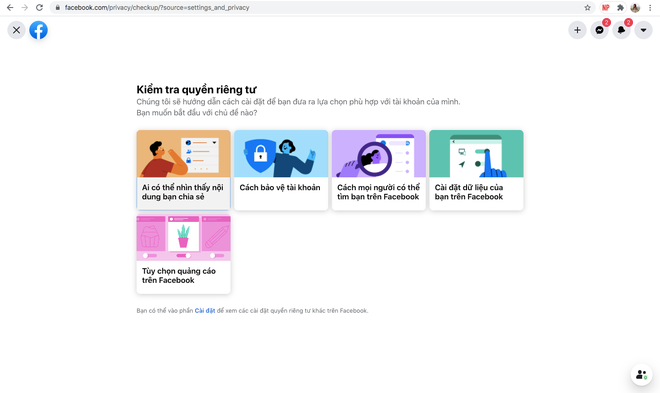
Old and new Facebook Settings interface
Under posts sharing tips on how to “sneakily” switch back to the old Facebook, many users are airing their frustrations about the new design, saying things like:
“The new layout feels cramped. Things that should be big are small, and things that should be small are huge.”
“The new interface is buggy and not user-friendly, especially when uploading photo albums.”
“The new design is a mess, looks like the mobile version.”
“Facebook’s new version is full of glitches, it’s frustrating to use.”
“I don’t know if I can get used to the new look. Right now, it’s really annoying.”
“The new layout messes up message fonts when chatting on desktop. When I have to type long messages, I can’t do it properly on my computer and have to switch to my phone. It’s so irritating.”
“The old interface felt faster than the new one.”
“I absolutely hate the new Facebook look.”
“Facebook asked users about the redesign, but they clearly don’t care what we want.”
Right now, Facebook has switched all accounts to the new interface, which still has some bugs like font issues and lag. Hopefully, Facebook will fix these problems soon.
Image source: Internet

