

When buying a new monitor, you often hear experts talk about the refresh rate. So what exactly is it? And how does it affect your experience?
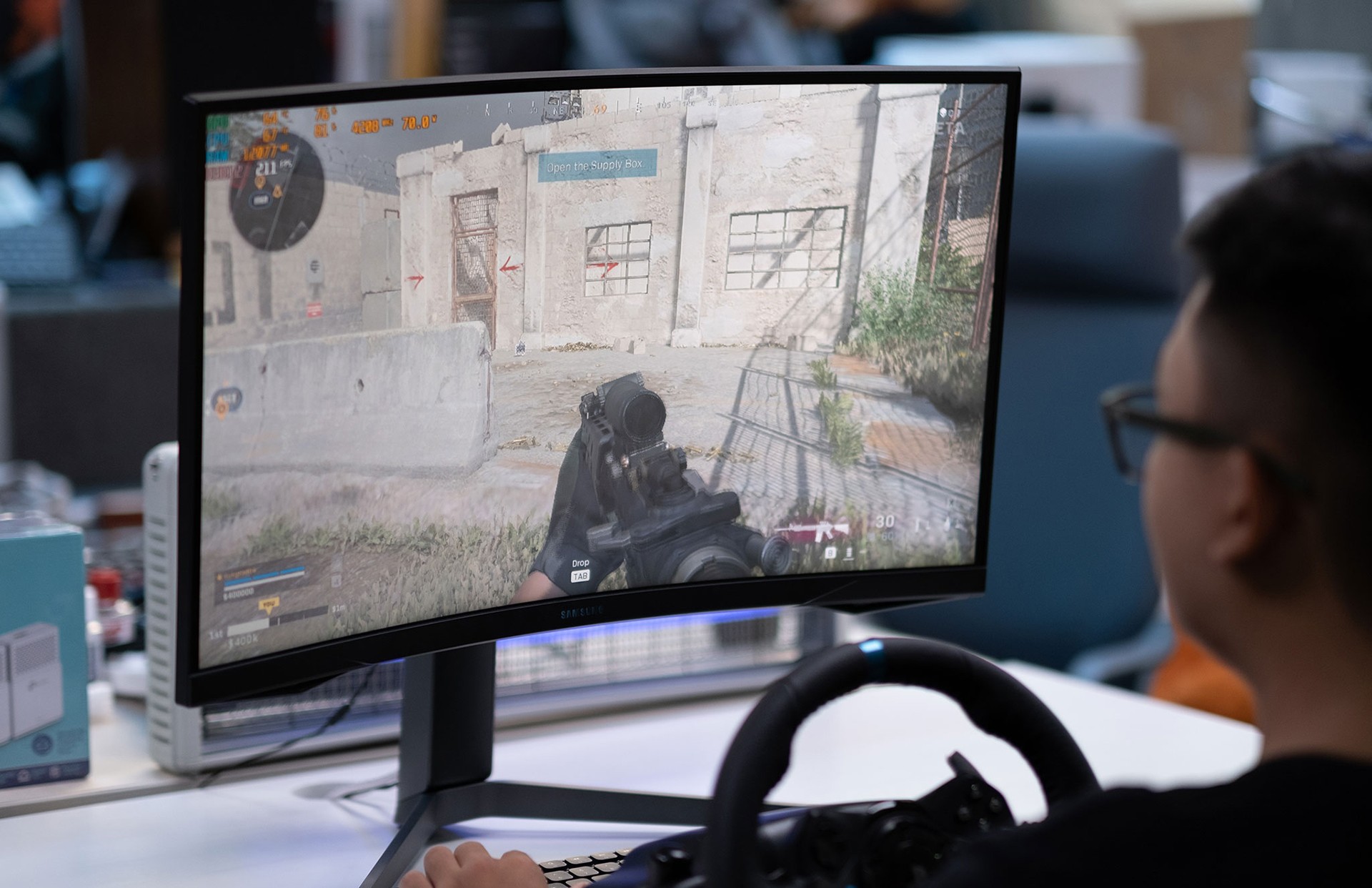
Refresh rate is how often your entire screen updates the image. A higher refresh rate makes motion look smoother because the screen updates the position of objects faster. This helps you track opponents more easily in fast-paced first-person shooters or makes scrolling through a webpage or opening apps feel more responsive.
It’s measured in hertz. For example, a 120Hz refresh rate means the screen updates every pixel 120 times per second. While 60Hz used to be the standard for both computer monitors and smartphones, manufacturers are now moving towards higher refresh rates.
The jump from 60Hz to 120Hz or 144Hz is especially noticeable for most gamers, particularly in fast first-person shooters. However, you’ll only see the benefits if your GPU can render frames faster than 60fps at your chosen resolution and settings.
A higher refresh rate makes it easier to follow moving objects with your eyes, smooths out sudden camera movements, and reduces motion blur you can actually notice. Online communities have mixed opinions about improvements beyond 120Hz. If you’re curious, try it yourself to see if it makes a difference for you.
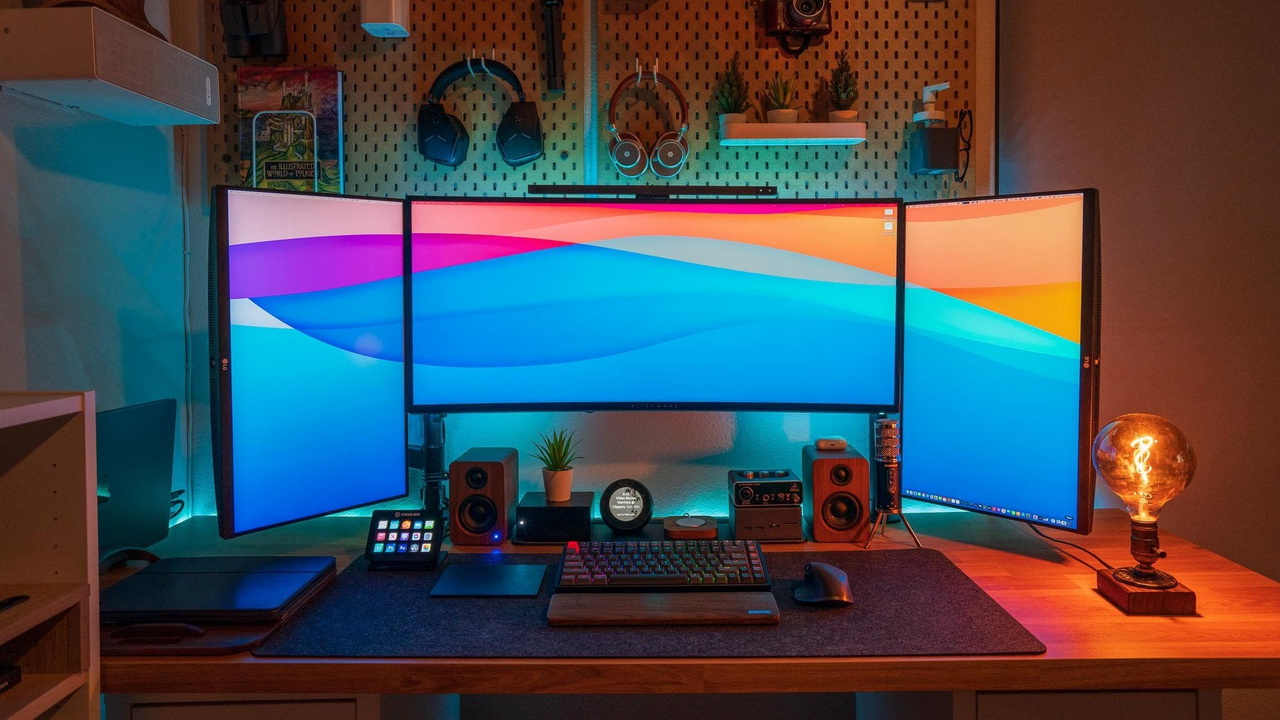
Another factor to consider is response time. This measures how long it takes a single pixel to change color, in milliseconds. Lower response times mean fewer visual glitches like motion blur or ghosting behind moving images.
Response time needs to be fast enough to keep up with the refresh rate. For example, a 240Hz monitor receives a new frame every 4.17 milliseconds (1000 divided by 240).
Gamers sometimes confuse response time with input lag, which measures the delay before your action appears on screen, also in milliseconds. Input lag isn’t visible but is crucial for fighting games and first-person shooters.

