

Have you ever searched your own name on Google? If you have, you probably saw your social media profiles, personal websites, or even more private details like your email, phone number, or home address. Sometimes it’s just uncomfortable to see your personal info exposed, but it can also be dangerous depending on who’s looking and why.
Why is your personal info showing up on Google?
In the past, people used phone books, which anyone could buy at the post office, to look up friends’ and neighbors’ phone numbers. The difference was that these weren’t digital, so digging through them took more effort. Some info seemed public but was actually quite personal, like home addresses or tax ID numbers. Now, everything is digital. These details appear on electronic bills, online tax documents, and other public records, making them easier to access.
Also, sometimes users themselves share personal info online by posting resumes, scans of ID cards, or sales contracts on various platforms. Without carefully managing privacy settings, these documents can end up in the hands of people you don’t want to see them.
What risks does this pose?
The risk of information theft, known as doxing, is rising. This happens when someone collects your personal info and posts it online to harass or threaten you. A recent example involved the attempted assassination of U.S. Supreme Court Justice Brett Kavanaugh, where the attacker admitted to finding his home address online.
While public figures are the main targets, ordinary people aren’t immune. Many have had their addresses and photos of their homes leaked online just to scare them. This raises serious concerns about bigger dangers, especially when family members are involved.
What should you do if anyone can find your info?
Besides boosting security and verification on your online accounts, you can use Google’s new tool called “Remove Information from Google” to hide sensitive info from search results. This tool lets you remove things like credit card numbers, handwritten signatures, ID photos, and more.
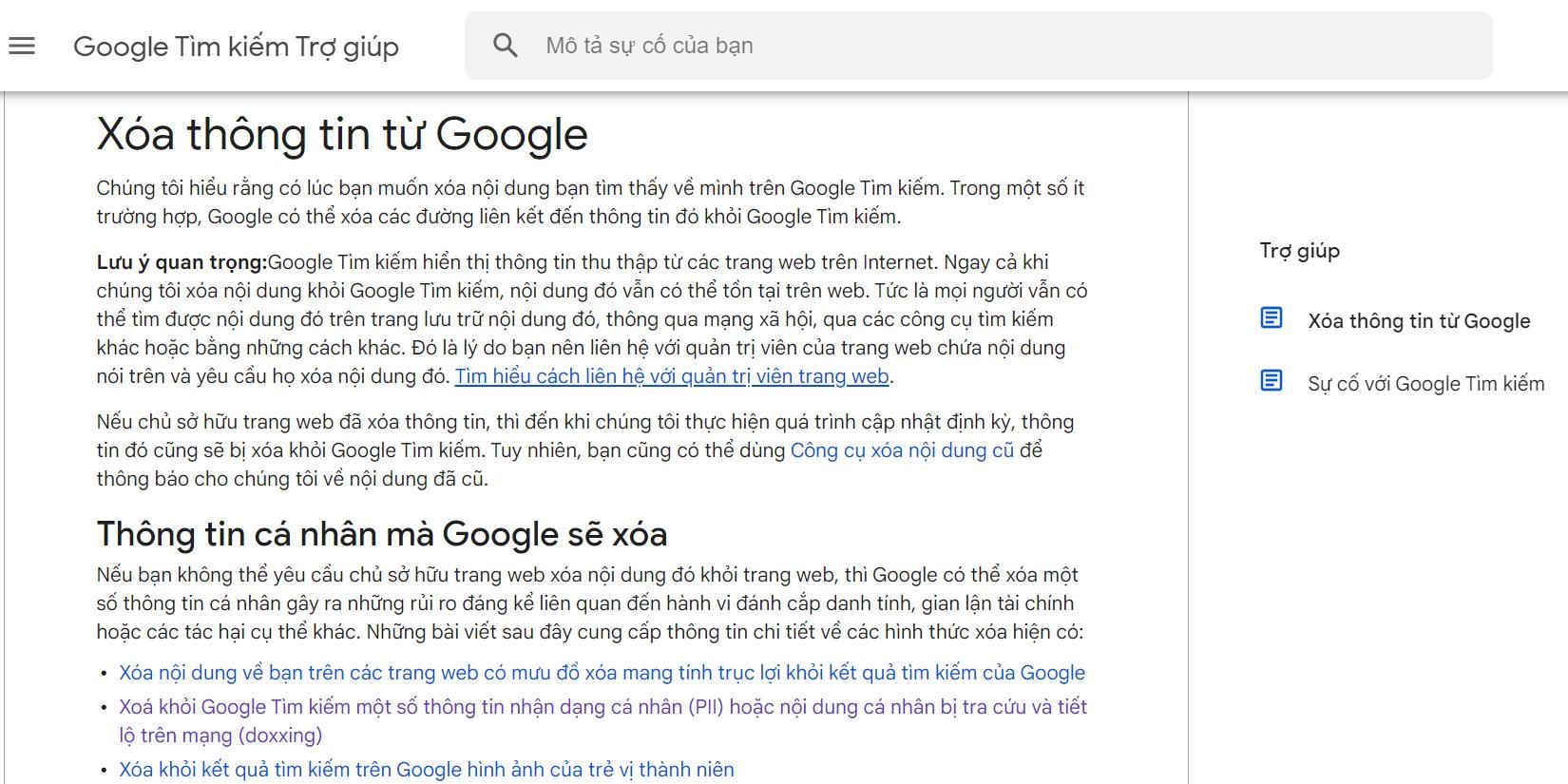
First, visit the Google Search Help page (support.google.com) and select “Remove Information from Google.”
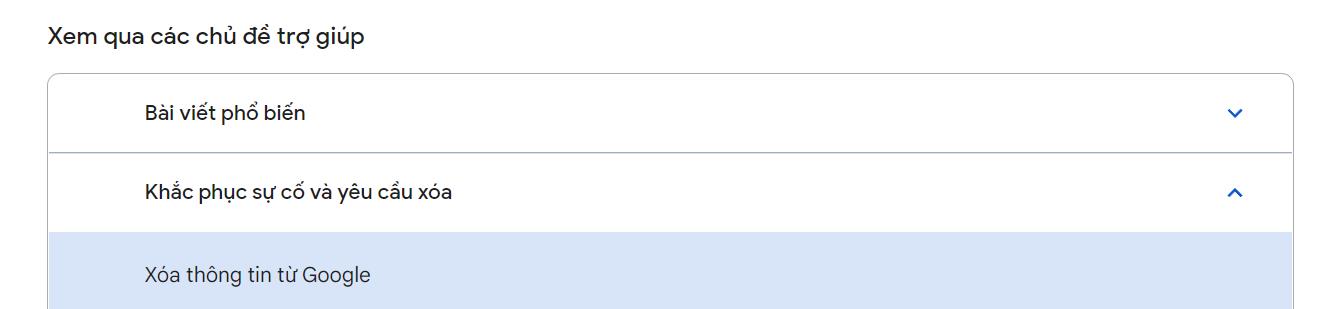
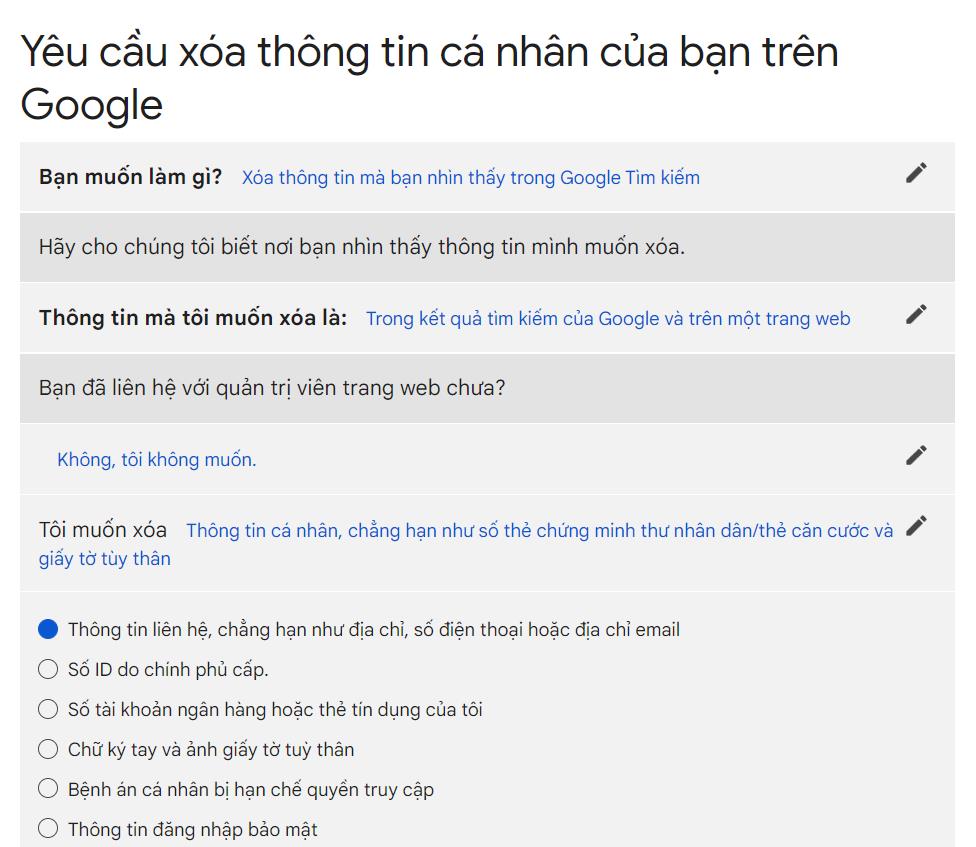
Next, choose the type of info you want to remove, like:

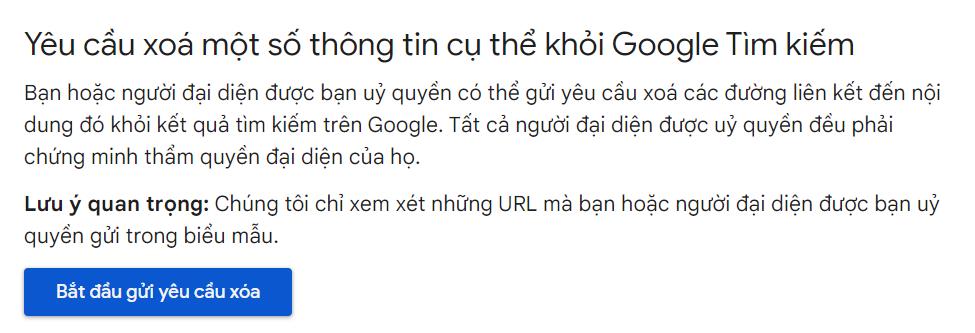
Then click “Start removal request.”
Follow the step-by-step instructions to fill out the form, specifying what info you want removed and where it’s located.
Right now, you need to provide the exact link to the webpage with the info you want hidden. Google says in the coming months, the tool will be able to automatically list sites containing your info, making the process easier.
What if Google denies your removal request?
After receiving your request, Google checks if the search results come from public websites. Usually, they won’t remove results from official government sites or public news outlets.
Remember, this doesn’t delete the info from the original website, it only hides it from Google search results. People can still access it if they know the URL or use other search engines. In that case, you’ll need to contact the website owner directly. Tools like Who.is can help you find basic info about the server and contact details to follow up.
The demand for online privacy has grown so much that third-party services have popped up to help. In the U.S., tools like DeleteMe and NortonLifeLock assist users who don’t have time to handle these requests themselves.
Sources: Wall Street Journal, Google Help

