

PC World got hands-on with what seems to be the most complete version of Windows 10X so far. And the first impression? It’s pretty… boring. Microsoft designed this OS to be super simple, without the clutter and complexity of traditional Windows. You could even call Windows 10X Microsoft’s purest operating system yet.
Compared to the leaked version from a year ago, when Microsoft imagined Windows 10X as the future for dual-screen devices, there aren’t many changes. Aside from a major graphic overhaul and redesigned icons, the biggest difference is that Windows 10X is now built for single-screen PCs.
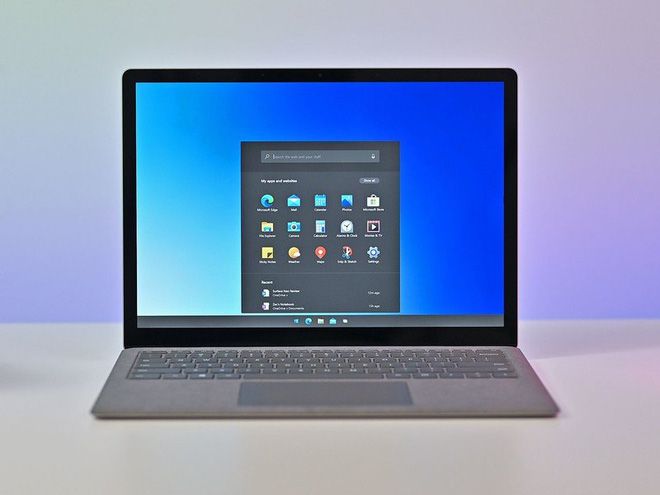
The latest leaked build is version 20279, which only runs on Microsoft’s Hyper-V virtual machines. Keep in mind, you probably won’t get to download and install Windows 10X yourself. Microsoft plans to preload it on budget PCs, meaning it will only be available through PC manufacturers.
Getting Started with Windows 10X
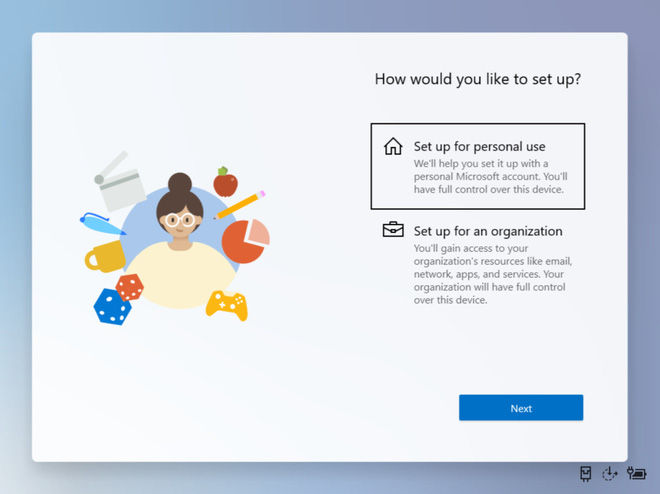
The simplicity starts right from the initial setup. However, Windows 10X requires you to sign in with a Microsoft account to get going. You can choose between a personal PC or one managed by an organization or business.
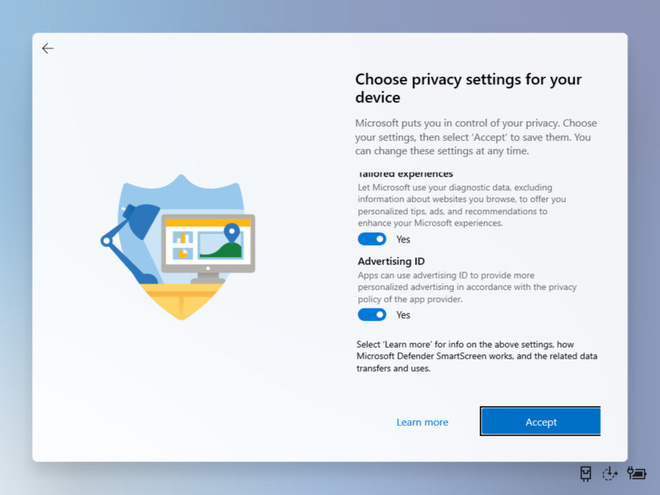
Next up is privacy options, which have become quite a hot topic lately. Windows 10X lets you decide whether to share personal data for targeted ads or not.
Windows 10X Main Interface
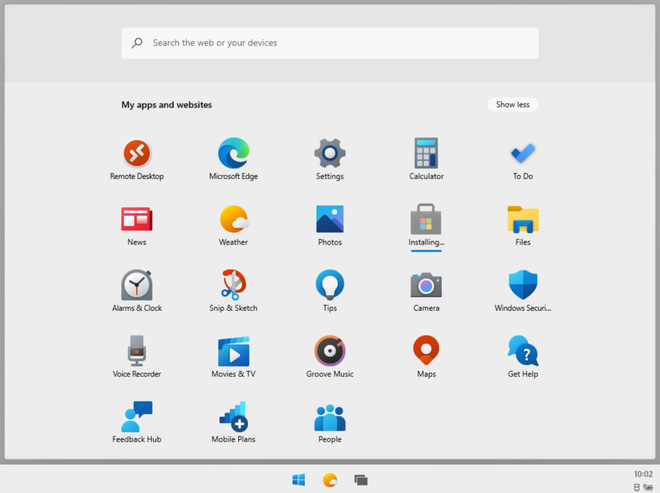
You might be shocked by how simple the main interface of Windows 10X is. At the top is a search bar, followed by a list of apps, and recent documents at the bottom.
There’s no familiar Start menu in the bottom left corner. No colorful Live Tiles either. Instead, the Start menu is a simple monochrome icon at the bottom. Clicking it slides up an “app drawer” that looks a lot like what you’d see on a Chromebook.
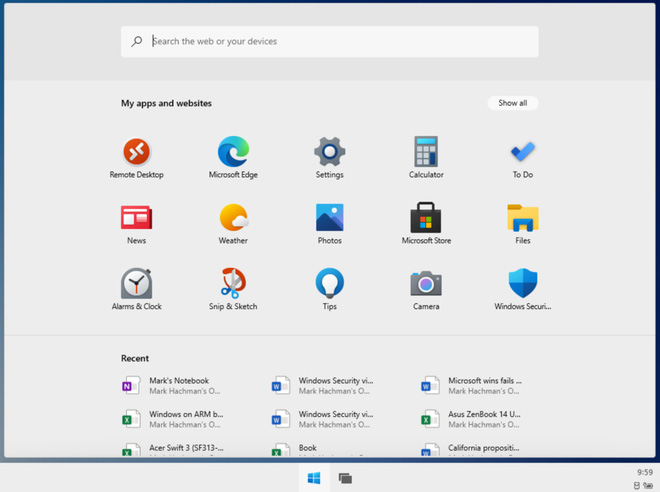
Inside this app drawer, you’ll find Settings, Calculator, To Do, News, Weather, and Photos. It seems users won’t be able to customize which apps appear here.
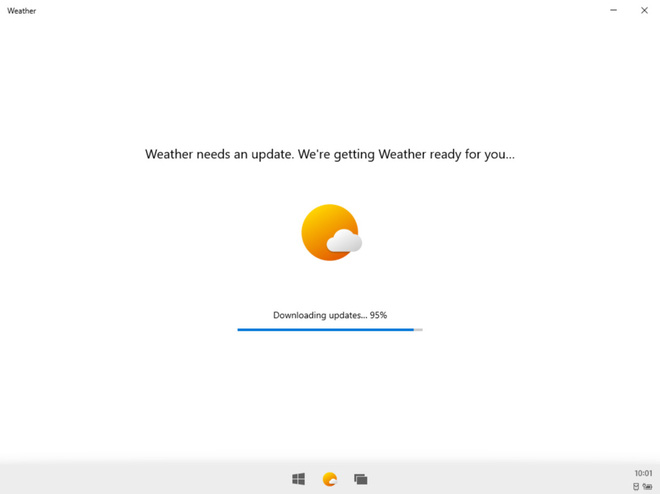
Edge appears to be the default and only browser. Unsurprisingly, Microsoft limits which apps you can install, only allowing downloads from the Microsoft Store. When trying to install 7Zip outside the Store, it simply vanished without a trace.
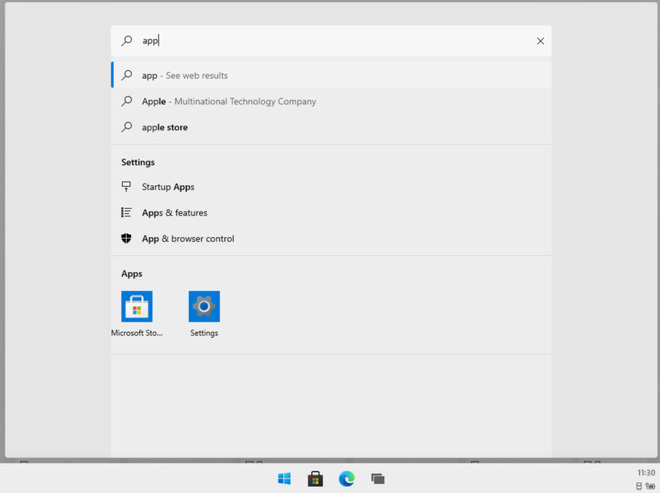
The search bar at the top is pretty handy. You can type keywords and it will show results from the web, the Store, and your local files if there’s a match.
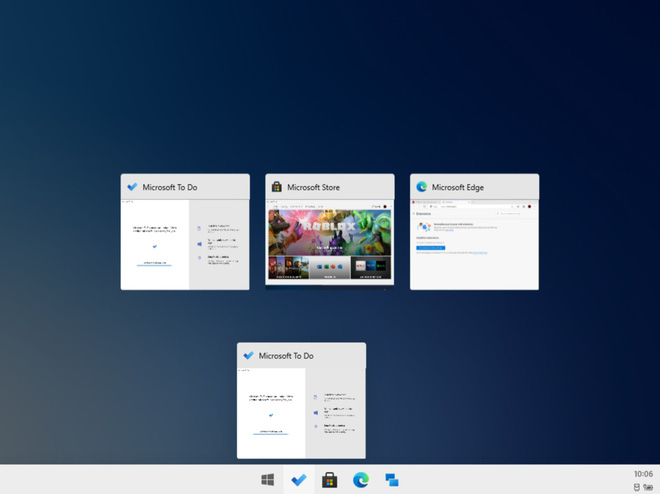
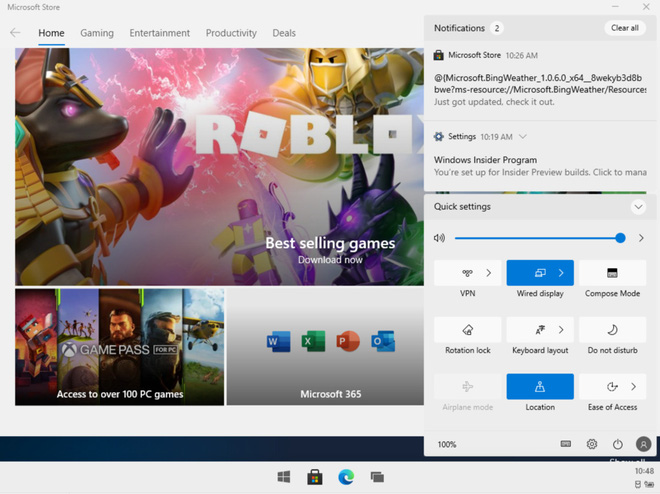
Apps can run in half-screen or full-screen mode. Microsoft kept the Task View feature from Windows 10, letting you switch between apps with the familiar ‘Alt + Tab’ shortcut or by clicking the small app icons at the bottom.
Windows 10X still has the Action Center in the bottom right corner. It shows email and message notifications, quick settings, access to Settings, and options to restart or shut down.
In summary, Microsoft revamped Windows 10X for budget, low-spec single-screen PCs instead of dual-screen devices. The interface looks a lot like a tablet and is very simple. Windows 10X could be a good fit for education and office work devices, offering a small challenge to Google’s Chrome OS.
Source: pcworld

