

eGirl Daily
  • Home
  • It Girls
    • Cosplay
    • TikTok & Reels
    • IG Models
    • Models
  • Streamers
    • Streamer Girls
    • YouTubers
  • Tea & Drama
    • Scandals
    • Relationship Tea
  • Gaming
    • Game News
    • Esports
  • Net Buzz
    • Internet & Trends
No Result
View All Result
  • Home
  • It Girls
    • Cosplay
    • TikTok & Reels
    • IG Models
    • Models
  • Streamers
    • Streamer Girls
    • YouTubers
  • Tea & Drama
    • Scandals
    • Relationship Tea
  • Gaming
    • Game News
    • Esports
  • Net Buzz
    • Internet & Trends
No Result
View All Result
eGirl Daily

Apple Reveals Common Mistakes That Damage Your iPhone Fast

These everyday habits might seem harmless but are actually wrecking your iPhone daily.

by Jade Lin
July 16, 2026
Reading Time: 3 mins read
0
Share on FacebookShare on Twitter

iPhones are known for their durability over time. However, certain habits and improper usage can actually cause your iPhone to break down faster than expected. According to Apple, here are some common mistakes users make with their iPhones.

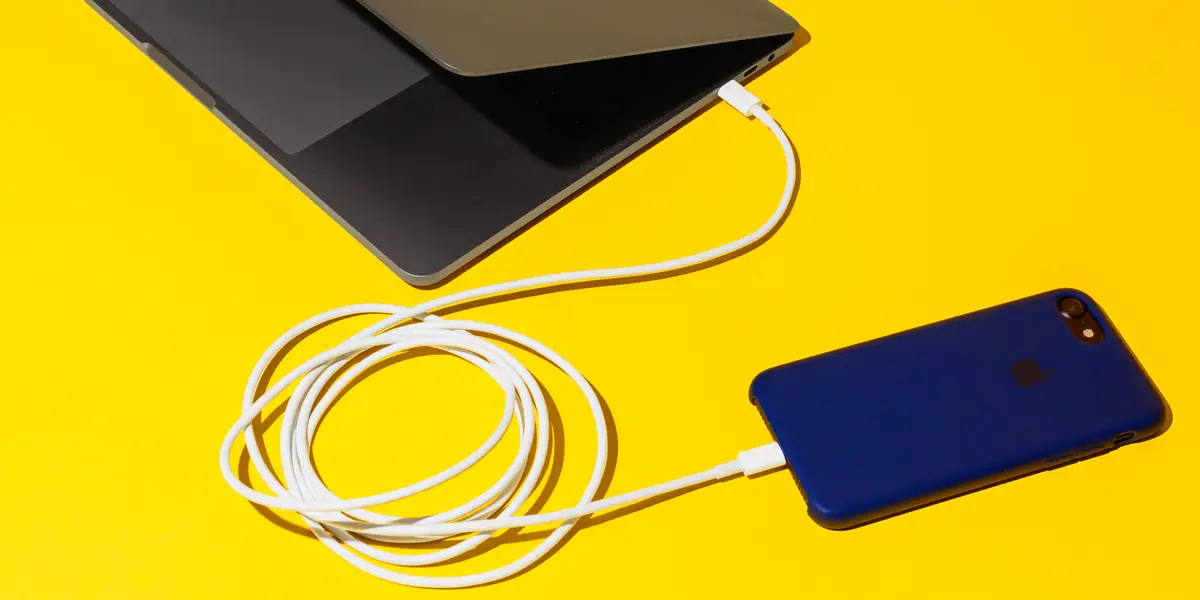
1. Keeping the case on while charging

Apple says removing your iPhone case before charging can help preserve your battery’s health longer.
RELATED STORIES

Tennis Influencer Sparks Backlash for Provocative Tennis Ball Stunt

Tax Officer Turns Heads Online, Revealed as Famous Rich Kid

Removing your iPhone case before charging helps keep the battery healthier longer (Photo: Hollis Johnson/Business Insider)

Some cases can trap extra heat, which affects your battery capacity. This could be due to the thickness or material of the case.

For example, leather cases insulate better than silicone, making your iPhone more prone to overheating while charging.

Apple advises, “If you notice your device getting hot while charging, remove it from the case immediately.”

2. Using your iPhone when it’s too hot

High temperatures can harm smartphones, and Apple’s pricey iPhones are no exception. Apple explains, “Both low and high temperature conditions can affect your device.”
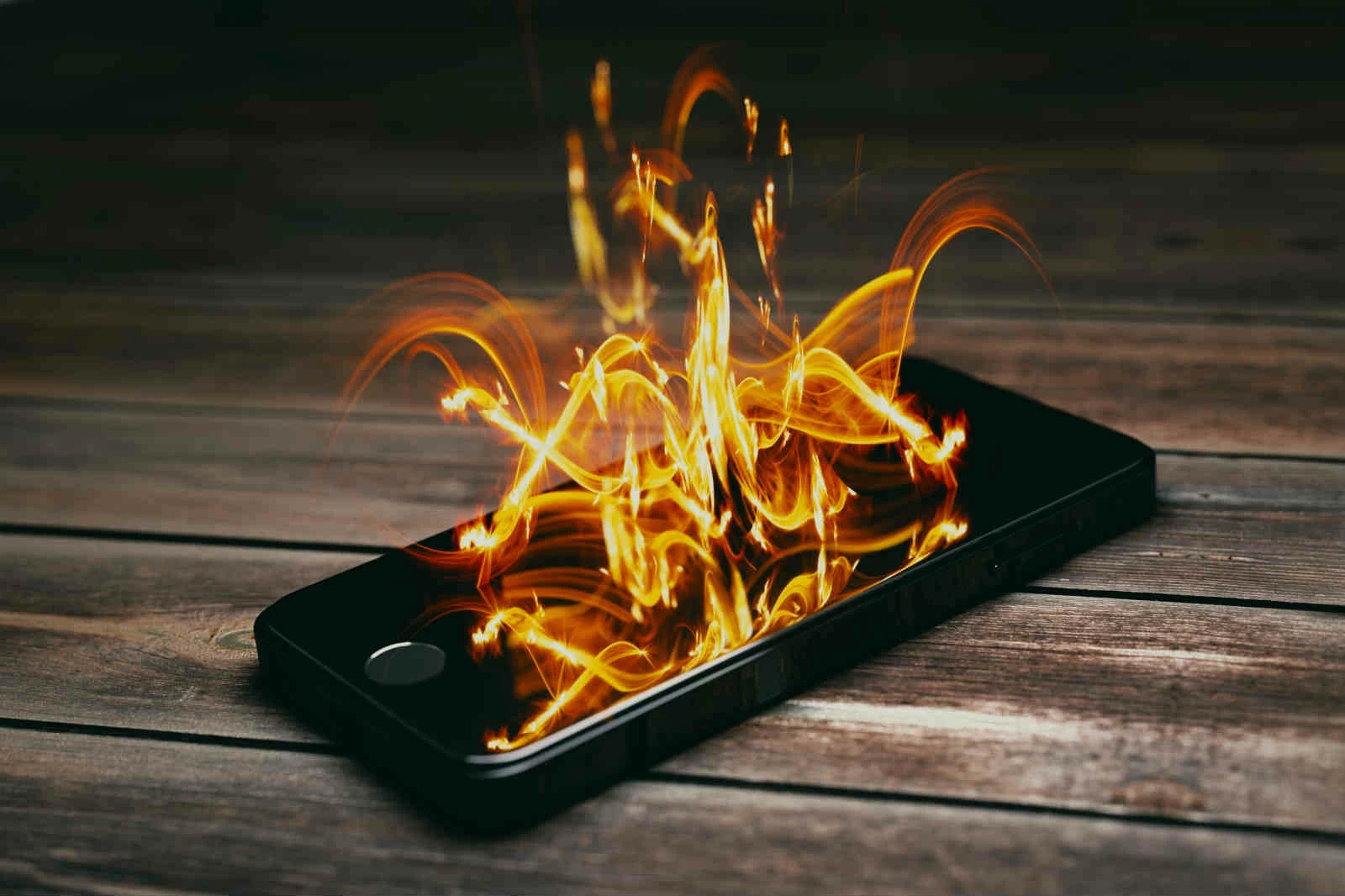
Using iOS devices in extreme heat can permanently reduce battery lifespan, says Apple support (Photo: Shutterstock)

The ideal temperature range for iPhones is 62 to 72 degrees Fahrenheit (about 16.6 to 22 degrees Celsius). Cold temps can temporarily reduce battery life, but heat can permanently damage battery health.

On hot days, iPhones can easily exceed their normal operating temperature. Apple warns against:

– Leaving your device in a hot car

– Exposing it to direct sunlight for long periods

– Using certain features in hot conditions or direct sun for extended times, like GPS navigation in a car, heavy graphics gaming, or augmented reality apps

To avoid risks, even on mild days, don’t keep your iPhone in tight spaces like under bedding or in your pocket for too long.

If your phone feels hot, stop using it or even turn it off. Avoid heavy apps for long stretches. This is especially important for gamers, since high-graphics games can heat up your phone’s processor quickly.

3. Forgetting to use Low Power Mode

“To reduce power use and extend battery life, enable Low Power Mode,” Apple recommends.

Low Power Mode disables some background features that drain battery, like limiting app activity and background data refresh, helping save energy.
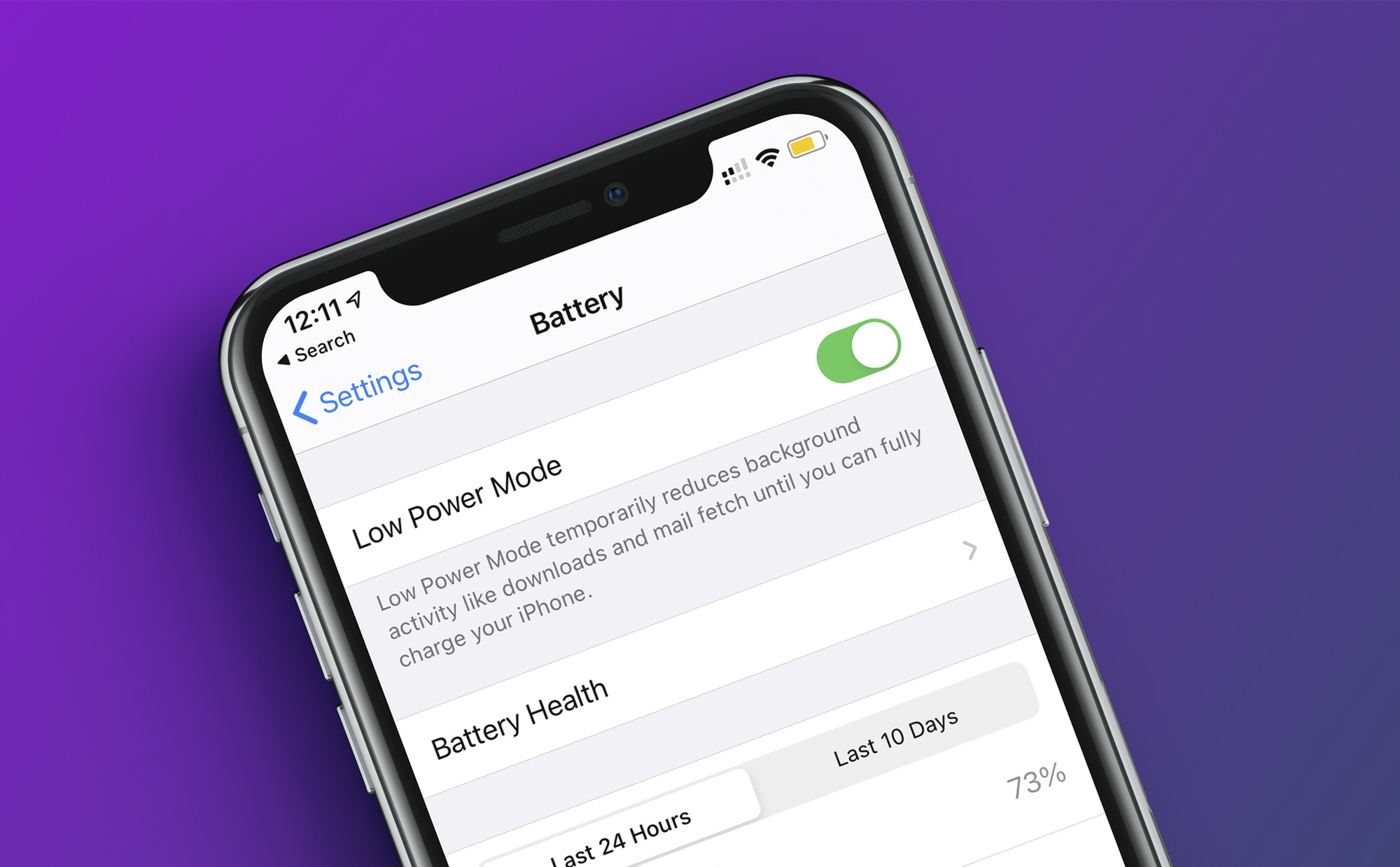
Using Low Power Mode improves iPhone battery life and longevity (Photo: Apple)

According to Apple’s official site, these background restrictions turn off when you disable Low Power Mode or when your battery reaches 80% or higher.

To turn on Low Power Mode, go to Settings > Battery and toggle it on.

4. Not using Auto-Brightness

Many people like to keep their phone screen brightness at max, but it’s not always necessary. In dark rooms or at night, a bright screen can strain your eyes.

Also, the brighter your screen, the faster your battery drains.
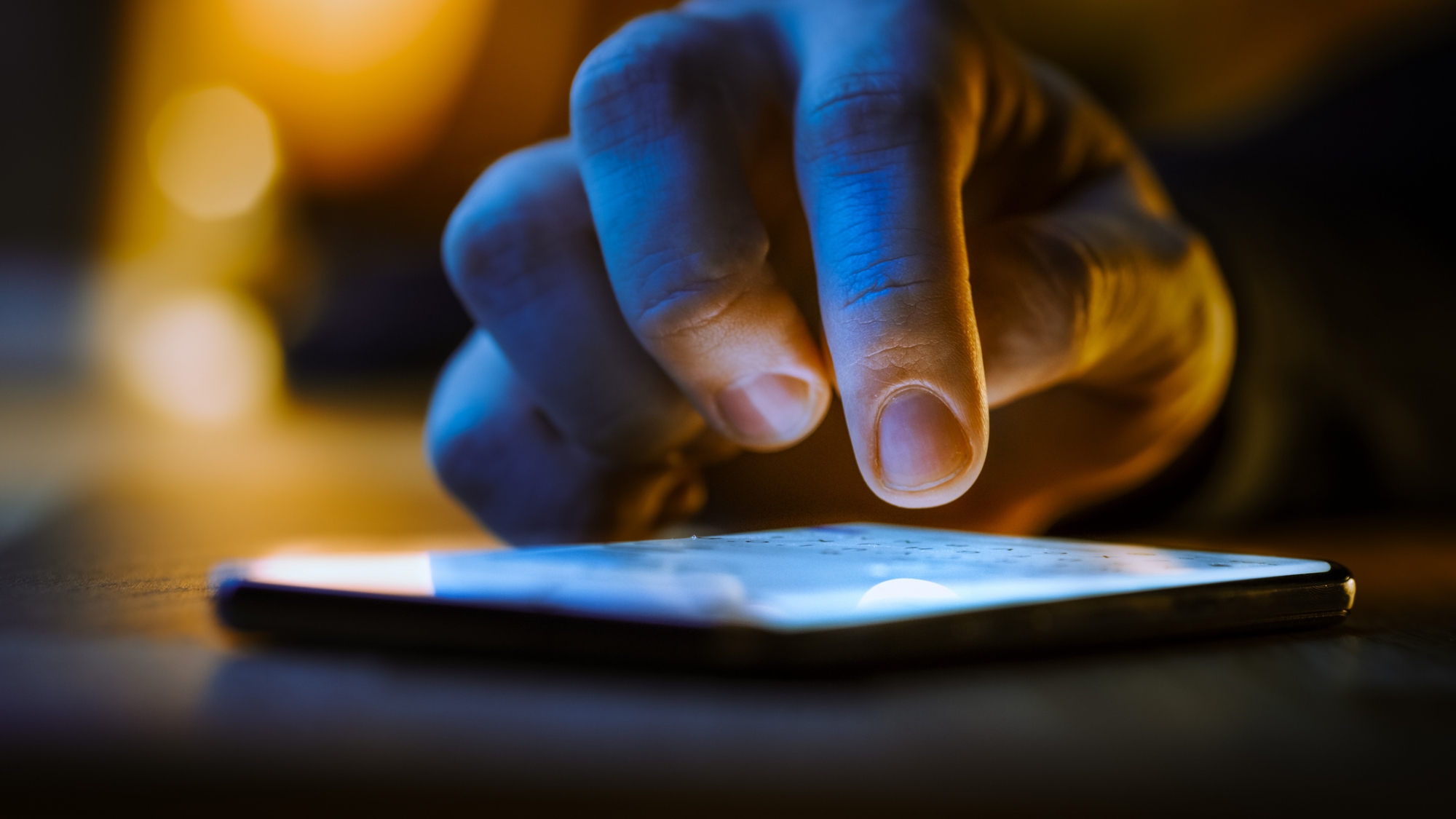
Auto-Brightness can significantly improve your iPhone’s battery lifespan over time (Photo: Getty Images)

So consider enabling Apple’s Auto-Brightness feature, which adjusts screen brightness based on ambient light wherever you are. This can greatly improve battery life over time and conveniently keeps brightness at a comfortable level.

To enable Auto-Brightness, go to Settings > Accessibility > Display & Text Size and turn it on.

Tags: AppleiPhoneonline communitysocial media

Popular

  • The Dark Truth Behind Hidden Spy Cameras and Exploitation Rings

    0 shares
    Share 0 Tweet 0
  • MC Phương Thảo Jokes About Her ‘Bad Luck’ Curse in Liên Quân

    0 shares
    Share 0 Tweet 0
  • Melody Marks Claps Back at Plastic Surgery Rumors

    0 shares
    Share 0 Tweet 0
  • Viral Photo of Student Signing Yearbook on Lingerie Sparks Debate

    0 shares
    Share 0 Tweet 0
  • Paraguayan Fan Sparks AI Beauty Rumors at World Cup 2026

    0 shares
    Share 0 Tweet 0

Latest Stories

TikToker Faces Backlash for Trapping Female Football Fan in Viral Interview

Tennis Influencer Sparks Backlash for Provocative Tennis Ball Stunt

Gấm Kami Shines Bright and Stands Strong Today

About eGirl Daily

eGirl Daily covers the hottest streamers, cosplay, gaming and viral internet culture, fresh every day. Learn more »

Recent Stories

  • TikToker Faces Backlash for Trapping Female Football Fan in Viral Interview
  • Tennis Influencer Sparks Backlash for Provocative Tennis Ball Stunt

Newsletter

  • About
  • Contact
  • Privacy Policy
  • Terms of Service
  • DMCA

© 2026 eGirl Daily. All rights reserved.

No Result
View All Result
  • Home
  • It Girls
    • Cosplay
    • TikTok & Reels
    • IG Models
    • Models
  • Streamers
    • Streamer Girls
    • YouTubers
  • Tea & Drama
    • Scandals
    • Relationship Tea
  • Gaming
    • Game News
    • Esports
  • Net Buzz
    • Internet & Trends