

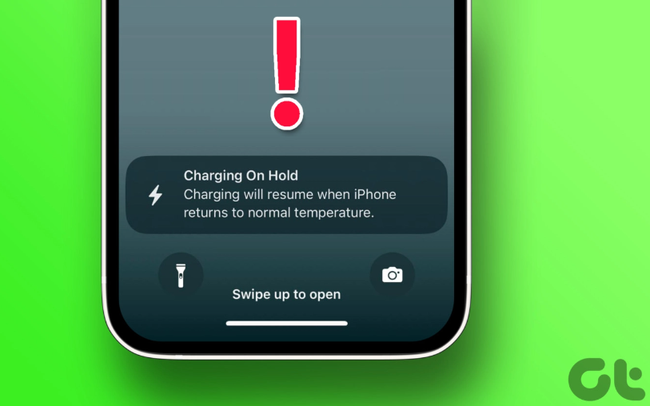
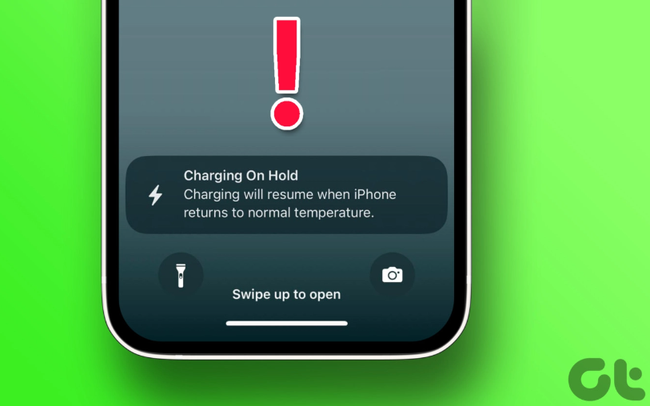
High temperatures are bad news for electronics, especially when charging since the process generates heat. If your iPhone’s battery gets too hot, it can cause serious issues like swelling or internal damage. This can shorten your battery’s lifespan and overall health.
With iOS 16, Apple introduced a system that pauses charging if the iPhone gets too hot. This helps keep charging safe for your battery and your device. When this happens, iOS 16 will notify you that charging is on hold until the temperature returns to normal.
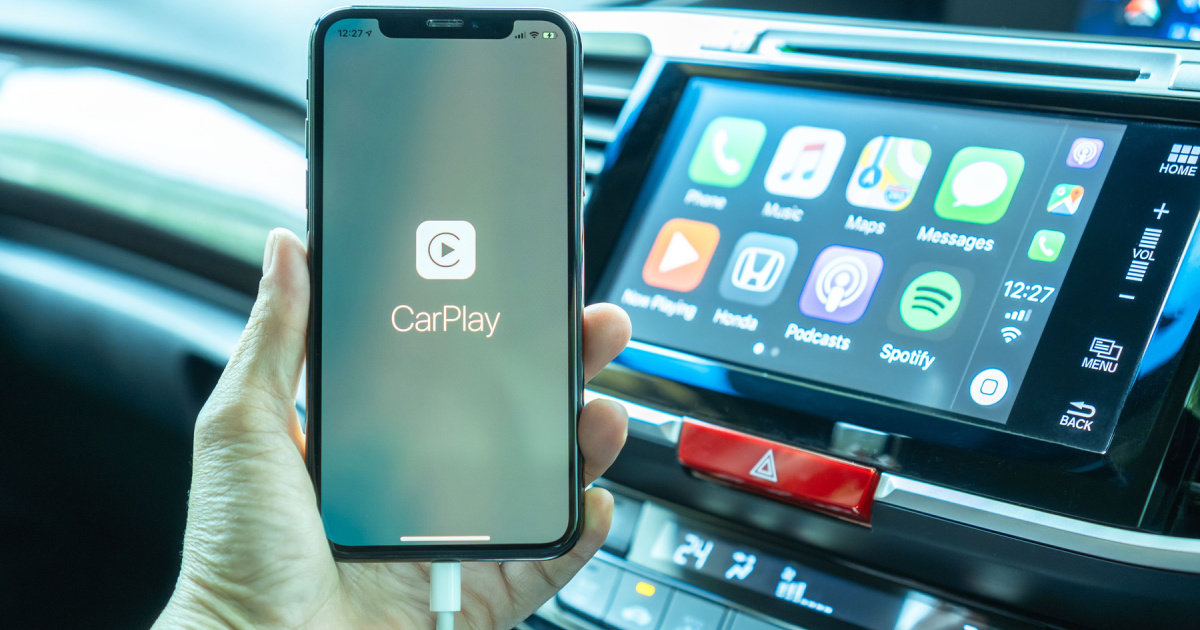
You’ll most often see this warning while driving. Many of us plug our iPhones into the car for CarPlay and place them on mounts. That means your iPhone might be near the windshield, exposed to direct sunlight, or sitting in a hot spot inside the car.
What to Do When You See the “Charging On Hold” Warning
Basically, you just need to let your iPhone cool down to a safe temperature. Apple recommends keeping the surrounding temperature between 16ºC and 22ºC (about 60ºF to 72ºF).
This can take some time, but there are ways to speed up the cooldown.
First, if you’re driving, safely pull over. Remove your iPhone from direct sunlight. Taking it out of its case can also help it cool faster.
To cool it down even quicker, try these tips. Keep in mind, many of these will limit your ability to use your iPhone for navigation or music.

– Lower your screen brightness or enable Auto-Brightness in Accessibility settings
– Turn on Low Power Mode
– Enable Airplane Mode
– Turn off your iPhone for 10 to 15 minutes
Along with these, keep your phone out of direct sunlight. You can also close any apps using mobile data to reduce heat.

